

This guide explains how to manage email notifications for various events within your Webplanex Wallet account.
Access Settings: Locate the "Settings" menu within the application interface. Within the settings menu, find the "Email Settings" section and click on it.
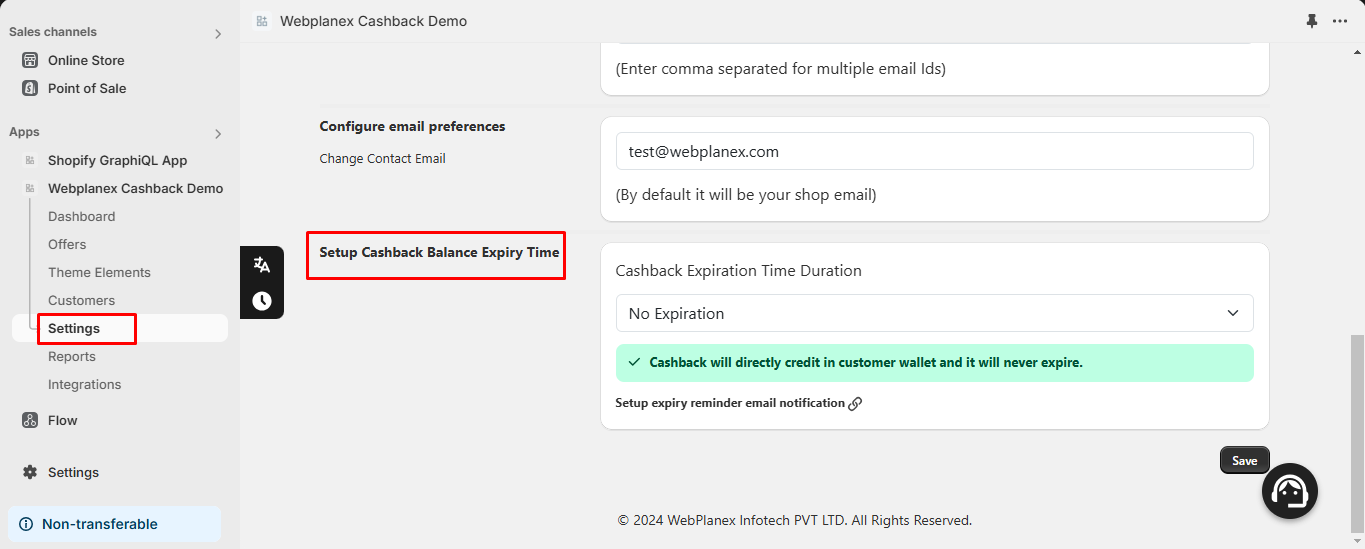
Manage Individual Email Templates: You'll see a list of various email templates used for different notifications in Webplanex Wallet (e.g., Rewards earned, expiry reminder, etc.)
Enable/Disable Notifications:
- Each email template will have an "on/off switch" option next to it.
- Click the switch for the specific template to enable (turn on) or disable (turn off) notifications for that particular event.

Example:
If you want to stop receiving email notifications about customers earning Rewards, find the template named "Rewards Email" and turn off the switch for that template.
Benefits of Managing Notifications:
Control Communication Preferences: You can customize which email notifications you receive from Webplanex Wallet based on your needs and preferences.
Reduce Inbox Clutter: By disabling unnecessary notifications, you can streamline your inbox and focus on the most important alerts.